


App Store Optimization (ASO): A Complete Guide to Improving App Visibility and Downloads
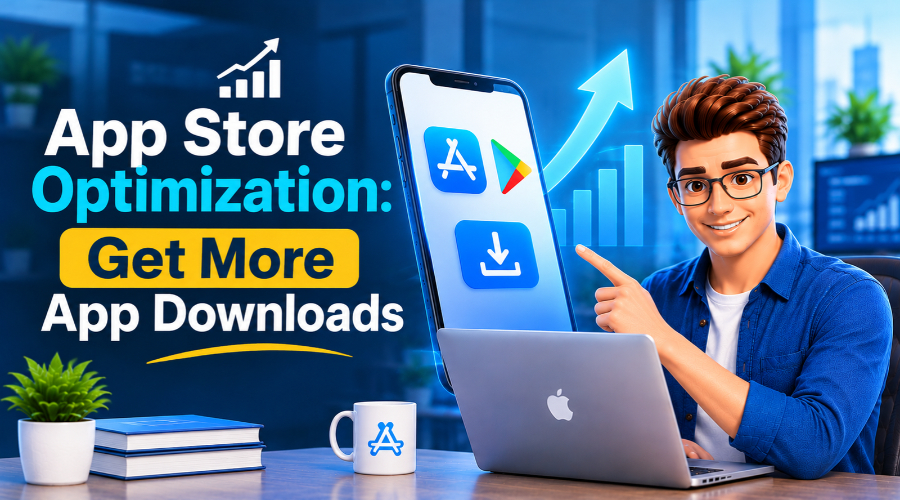
You spend a year building an app. The design is astounding. Speed is mind-blowing. Every page holds brand consistency. It passed every beta testing phase on the first try. Every customer experience factor is amazing; still, after launch, you noticed only 50 downloads. Most of them are from your connections- friends, employees, relatives, and a few people.
Users come to the App Store or Google Play Store. Some open and watch your app, but then download an alternative app, stalling your growth. But what’s the problem? Why have they chosen something else instead of yours? Why is it gradually buried on page 10, where nobody scrolled?
An app that requires a lump-sum development cost can’t cut through the noise. The reasons can be many, but you can fix it using an effective App Store Optimization guide. And here it is!
Key Takeaways
- App Store Optimization (ASO) is a technique that specialists use to improve app rankings and visibility.
- It helps you earn more organic downloads, increase conversions, build brand authority, and boost earnings.
- You will gain these benefits only when you apply ASO steps with a trusted mobile app development company.
- Start by auditing your current app status and researching competitors.
- Add relevant keywords, app titles, metadata, icons, and photos or videos.
- Choose the right category and run A/B tests.
What is App Store Optimization (ASO)?
App Store Optimization (ASO) is the process of improving your mobile app’s listing so it ranks higher in search results and convinces more people to download it. It covers titles, keywords, description, icon, and many more. And honestly, this is mandatory because the App Store and Google Play Store get hit by 3,832 new apps every day. At this stage, if you don’t get your hands on App Store Optimization, you will definitely fall behind.
ASO strategies are like SEO approaches, but done mostly for Apple’s App Store and Google Play. When your listing matches what people search for, you get more visibility and more downloads. Then you don’t need to pay a premium for paid ads.
What Are The Benefits of ASO?
Mobile app development services can only hold the ground when your ASO process runs appropriately.
Here’s what you actually get out of it:
Better Visibility:
When ASO is done properly, it increases visibility in the App Store and Google Play Store. Instead of being buried on the 10th page, your app can appear in the top 5 search results, making it easier to find.
More Organic Downloads:
When people can easily reach your app, they are more likely to download it. Better keywords and a quality listing provide a steady stream of visitors. No more paid-ad expenses to bring in users.
Lower Acquisition Costs:
Paid ads cost an arm and a leg, and everyone knows it. Thanks to ASO. This reduces your reliance on expensive paid campaigns while increasing the share of free organic installs.
Higher Conversion Rates:
ASO includes strong keywords, descriptions, benefit-led screenshots, and an appealing icon- all of these push a visitor to stop and make use of this app. This increases install numbers and conversion rates.
Stronger Brand Credibility:
When an app solves the problem it promises to solve, it gains trust. People with the same problem download it. They leave glowing reviews. They recommend it to others and help build brand credibility.
Higher App Revenue:
The better visibility, more installs, low expenses, high conversions, and brand credibility – all these ultimately point to app monetization. You really need an experienced mobile app development partner to make this happen.
Steps For App Store Optimization (ASO)
This is actually the core part of the guide. Before jumping into the App Store Optimization (ASO) process, learn each step and keep every detail in mind:
1. Audit Your Current State:
- Don’t make hasty decisions; start by evaluating where you are.
- What are your goals, and what requirements do you need to fulfill them?
- Check your current impressions, conversion rates, keyword coverage, and rankings.
2. Analyze Competitors’ Listings:
- Don’t forget to check what competitors cover.
- Conduct a thorough study of the top 5 apps in your category, and try to fill the gaps they leave open.
- Note what each offers, how they solve problems, what they include, and the themes they use.
3. Research Relevant Keywords:
- About 65% of App Store downloads are done after a proper search.
- Find terms your audience actually types.
- Then narrow the list to 4 factors: volume, competition, conversion potential, and relevance.
4. Optimize App Title & Subtitle:
- In both the App Store and Google Play Store, titles play the strongest role.
- Always put the main keyword in the title, use secondary keywords in the subtitle on iOS, and place them in the short description on Google Play.
- Make both the titles highly eye-catching and readable.
5. Improve Metadata and Description:
- An app becomes post-ready when you optimize its subtitle, long description, short description, and keywords.
- On Google Play, write a 4,000-character long description with the main keyword in the first 2 sentences, written for people and free of keyword stuffing.
- On the App Store, updating the description means launching an updated app build, so plan the changes accordingly.
6. Design High-Converting Creatives (Icons):
- Your icon is the first thing people see.
- Keep it simple, memorable, eye-catching, and different from your rivals.
- Use one clear element and strong visuals so that it can materially improve listing conversion rates.
7. Choose the Right Category:
- Choose the right category because the wrong category can hide your app from your targeted audience.
- Apple has specific rules for the keyword field; Google Play has no keyword field.
- The keyword field allows only 100 characters; put the high-priority keyword first, followed by the rest, separated by commas with no spaces.
8. Create Screenshots and Video:
- Users love seeing real value, and screenshots or videos can deliver that.
- Apple lets you upload up to 10 screenshots, so upload the strongest in the top 3 places.
- Add short benefit captions or a preview video that demos the app.
9. Encourage Ratings and Reviews:
- Ask happy users to rate the apps or provide glowing reviews.
- These factors are helpful for rankings and help people to download the app more.
- Aim for a rating above 4.0, because below it, trust and conversion rates can drop by 50%.
10. Localize for Key Markets:
- Localization means listing your app for a specific market.
- Teams often think localization is just translation, but it’s more than that.
- Translate your app’s metadata, screenshots, videos, and images for your target country.
11. A/B Testing Checklist:
- Don’t feel too confident to post before conducting A/B testing.
- Both stores offer free testing tools; use them and test one element at a time.
- Start with icons, then check screenshots, descriptions, or preview video.
12. Technical Health Checklist:
- Even great listings fail if your app is full of bugs.
- Confirm your app is stable by checking its loading speed and battery use before pushing traffic to it.
- Evaluate the Android Vitals weekly, fix crashes and ANRs.
13. Monitoring & Reporting:
- Don’t take ASO as a one-time fix.
- Track keyword rankings, impressions, page views, conversion rate, downloads, and ratings every week.
- Report what’s changed and why, and compare them against your baseline.
What’s the Difference Between ASO and SEO?
| Aspect | ASO (App Store Optimization) | SEO (Search Engine Optimization) |
|---|---|---|
| What it optimizes | Your app’s listing in the App Store and Google Play | Your website and its pages |
| Where it works | App store search and browse results | Google, Bing, and other search engines |
| Main goal | More app visibility and installs | More website traffic, leads, and sales |
| Who decides rankings | Apple’s and Google’s store algorithms | Search engine algorithms |
| Key keyword spots | App title, subtitle, keyword field (iOS), and description (Google Play) | Page titles, meta tags, headings, body copy, and URLs |
| Visual elements | Icon, screenshots, and preview video carry heavy weight | Images help, but they rarely decide whether someone converts |
| Ratings and reviews | A major ranking and conversion factor | Supporting trust signal (for example, business reviews in local SEO) |
| Backlinks | Little direct role | One of the strongest ranking factors |
| Conversion action | Tapping “Install” or “Get” | Clicking, signing up, buying, or contacting you |
| Success metrics | Impressions, keyword rankings, page views, conversion rate, downloads. | Organic traffic, rankings, click-through rate, bounce rate, conversions |
| Testing tools | Product Page Optimization (Apple) and Store Listing Experiments (Google Play) | Third-party A/B tools and Search Console data |
App Store vs. Google Play: What Changes In The Checklist
| Checklist Step | Apple App Store | Google Play |
|---|---|---|
| Audit Your Current State | Review data in App Store Connect Analytics. | Review data in Google Play Console (Store Listing Acquisition reports). |
| Research Relevant Keywords | Keywords go in the title, subtitle, and a hidden keyword field. | Keywords go in the title, short description, and full description. No hidden keyword field. |
| Optimize App Title & Subtitle | Title plus subtitle, both short. | Title plus a short description (80 characters) in place of a subtitle. |
| Improve Metadata and Description | Description doesn’t help search rankings, so write it for conversion. | Full description is indexed, so natural keyword placement matters. |
| Design High-Converting Creatives (Icons) | One square icon, rounded by iOS automatically. | Icon plus a feature graphic (1024x500), which appears in featured spots and on the listing. |
| Choose the Right Category | One primary and one optional secondary category. | One app category, plus tags that describe your app’s features. |
| Create Screenshots and Video | Up to 10 screenshots and up to 3 app preview videos. The first 3 screenshots show in search | Screenshots plus a promo video hosted on YouTube. |
| Encourage Ratings and Reviews | Native in-app rating prompt with strict display limits. You can reset the summary rating with a new version. | Native In-App Review API. Ratings carry over across versions. |
| Localize for Key Markets | Localize the title, subtitle, keywords, screenshots, and description per locale. | Localize the title, short and full descriptions, and graphics per language. |
| A/B Testing Checklist | Product Page Optimization tests icons, screenshots, and videos. Metadata can’t be tested. | Store listing experiments test icons, screenshots, videos, and descriptions. |
| Technical Health Checklist | Watch crashes and stability in Xcode Organizer and App Store Connect. | Watch Android vitals (crashes, ANRs), since poor numbers can hurt visibility. |
| Monitoring & Reporting | Track impressions, product page views, and conversions in App Store Connect. | Track listing visitors, installers, and conversions in Play Console. |
Ready to Build Your Next Mobile App? Let’s Connect!
Get Started with ASO Today!
The truth is, without implementing the best ASO practices, it is hard to be discovered. It takes time to show visible results, but the outcome is enormous and long-term. More downloads. Stronger brand credibility. Lower acquisition costs. And lastly, better revenues.
But who should you trust as the right mobile app development company, one that doesn’t stop after launch, but will be there for proper App Store Optimization?
At The Tech Clouds (TTC), we don’t stop at launch. We research your keywords and write your title. Add subtitles and descriptions. Design icons and screenshots that convert and set up A/B tests. Then we track rankings and downloads, so your app gets found and installed. Ready to build an app people actually find? Let’s talk.

Frequently Asked Question
What’s the difference between app store optimization and search engine optimization?
However, while ASO and SEO can seem similar, they are fundamentally different. ASO works on store listings and algorithms, so your app earns more downloads. But SEO focuses mostly on keywords and backlinks to drive visibility and traffic to your website. One focuses on apps, while the other focuses on the website.
How can I increase my app downloads organically?
Firstly, talk with an experienced company. They will help you optimize your keywords, description, icons, and photos. Ask happy users for ratings and localize the app for new markets. Monitor the key metrics and report timely. If you implement these steps properly, you will get more organic downloads.
How to approach ASO for a brand-new app?
Start with keyword and competitor research. Optimize the titles and subtitles. Change the description and meta description. Include photos and reviews. Change icons. Include it in the right category. Localize it for the specific markets after A/B testing. Then write a strong title and description. Check technical health and monitor its KPIs. Following the right App Store Optimization guide will help you launch a great app and gain more downloads.
Can ASO be done by a specialist?
Yes. Mostly, ASO is handled by specialists with deep expertise and knowledge of the tools needed to boost visibility and rankings. You can also hire a team that offers mobile app development services and ask how they handle ASO.
Is ASO different for every app?
Obviously. ASO differs by app because each one has its own audience, competitors, target markets, and demographics. So, the keywords and research process for your entire ASO operations will differ.
How long until ASO results show?
A proper ASO implementation shows results from weeks to months. But it depends on the competition and your current app status.
Can ASO work without paid ads?
Yes, ASO works well for store search and browsing, and it also boosts organic downloads. So, there’s no need for paid ads. But you'll see the best results when you partner with an experienced mobile app development company.
Recent Posts






Related Blogs

5 AI Coding Agents You Should Try in 2027
Writing code is no longer confined to a quiet environment with just your system and coffee. Reports show that 84% of developers use or plan to use AI tools to...

Why React Remains a Leading Frontend Framework in 2027
Every business wants to accelerate its market growth. That is only possible when you choose the right technology stack. Frontend technology plays a major role. It serves as the door...

AI App Development Trends 2027: What Businesses Need to Know
A CTO opens two dashboards side by side. One is his competitor's; the other is his own. The competitor's page was built on an AI system that tracks customers' order...
How to Speed Up Your WordPress Site: The Ultimate Optimization Guide
You have gone above and beyond to build your WordPress site, but when a visitor arrives, the loading wheel starts spinning. First 3 seconds gone, then five and so on....
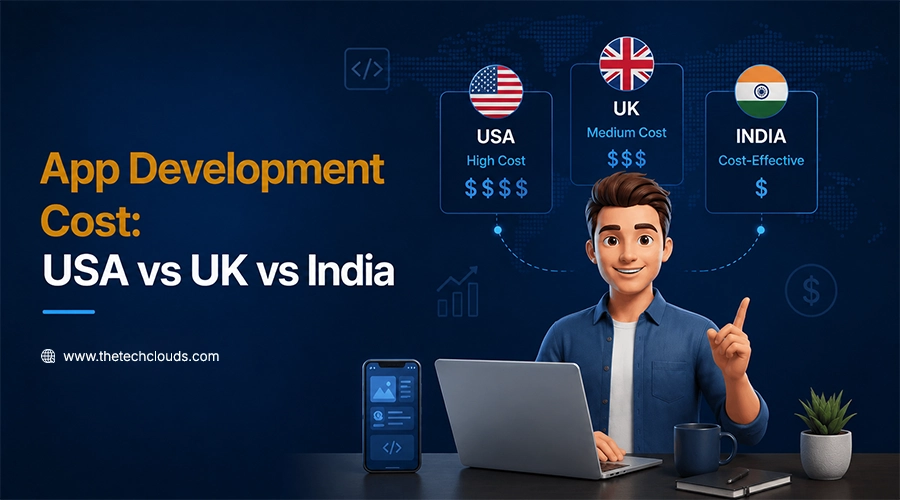
App Development Cost by Country in 2027: USA vs UK vs India
You may want a web app or mobile app with almost the same features, but you’re still getting three different quotes from three different agencies in three different countries. App...
How to Hire Dedicated Developers: A Complete Guide from Scratch
Most businesses don't plan to outsource. It happens when your internal teams can’t cope with the demands of the existing market. Suppose a project that requires something which your present...
The 7 Phases of Web Development: From Idea to Launch
Anyone can think of a website design while working late at night or doing a job at dawn, but the problem hits when it comes to turning it into reality....
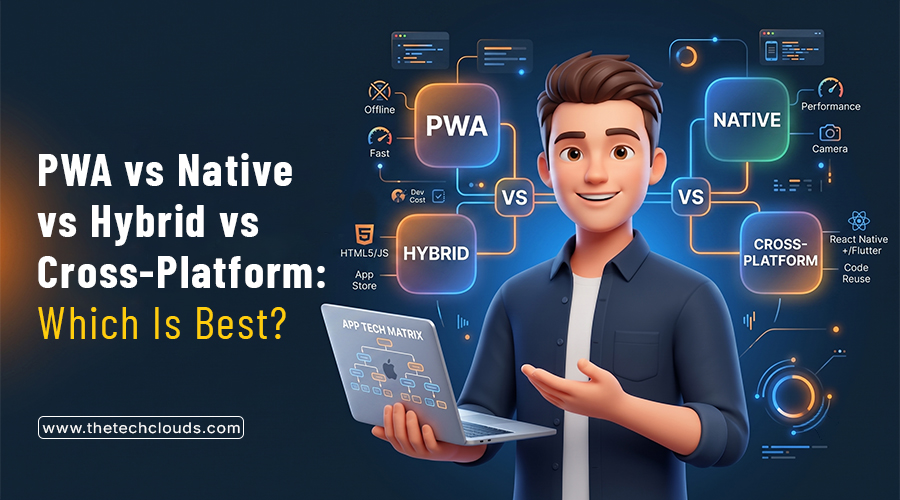
Mobile App Development in 2026: PWA vs Native vs Hybrid vs Cross‑Platform – Which Is Best for Your Business?
Ask five developers about the best way of building mobile apps in 2026. There’s no doubt in this that you’ll get five different answers. Some swear by natives, whereas others...