


How CRM Software Transforms Small Businesses
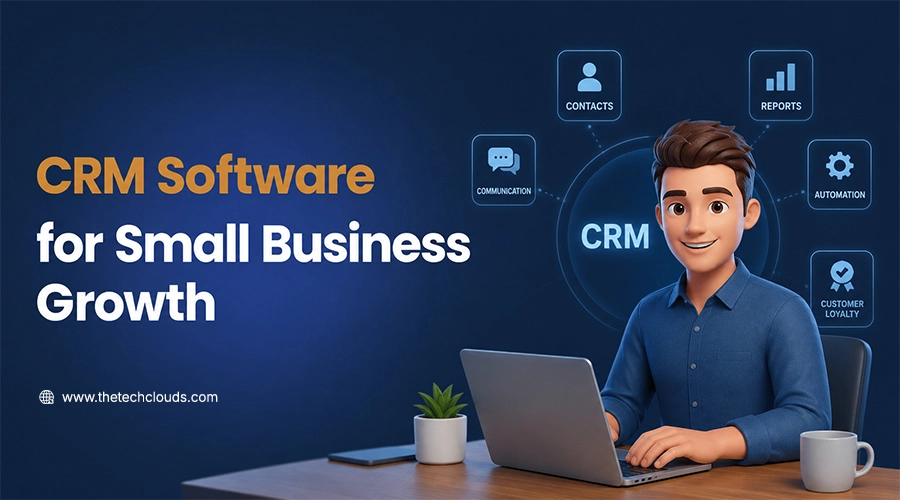
Running a small business often means wearing multiple hats. One moment you’re responding to customer inquiries, the next moment you’re following up on unpaid invoices or trying to remember which prospect asked for a quote last week. Maybe you’re running a small business right now, but as soon as your customer base grows, keeping everything organized with spreadsheets or handwritten notes becomes increasingly difficult.
This is where CRM Software for Small Businesses steps in and makes a difference you might not have imagined. A customer relationship management (CRM) system brings your contacts, sales activities, customer interactions, and follow-ups together in one place, making it easier to stay organized and deliver a better customer experience.
But the major issue comes in selecting the right CRM. Don’t think of it as just software or a system. Take it as your companion that stays with you and supports your long-term business growth.
In this guide, we’ll explain what to look for, common mistakes to avoid, and how the right CRM can help small businesses operate more efficiently.
What Is CRM Software?
Customer Relationship Management (CRM) software is a centralized platform that helps businesses manage interactions with prospects and existing customers throughout the entire customer journey. Rather than storing customer information across spreadsheets, emails, and notebooks, a CRM keeps everything in one secure location.
Modern CRM solutions typically include:
- Sales pipeline history.
- Customer communication records.
- Lead tracking details.
- Workflow chart.
- Database management for business.
- Reminders of tasks and follow-ups.
- Performance dashboards.
- Audit reports.
Most CRMs now include AI systems that can predict sales, leads, customer demands, and future business requirements. This approach helps businesses make faster and more informed decisions.
More importantly, a CRM isn’t just a tool for sales teams. Marketing, customer support, finance, and management – every team can use it and benefit from it.
Why Small Businesses Need a CRM
Most business owners still believe a myth: that CRM is only useful when it expands its customer base and services. It’s not something that you should think of from the first day.
Then why do nearly 91% of companies with 10 or a few more employees run CRM software? This is mainly because they have understood it’s time to think beyond emails, spreadsheets, notebooks, and messaging apps. Otherwise, you just keep doing the hard work, whereas your benefits will be eaten up by all your competitors. Without a proper system, you will keep missing your follow-ups. Ending up duplicating records. And broken communication with no fruitful results.
A CRM provides a single source of truth for your business. Every customer interaction—from the first inquiry to ongoing support—is stored in one secure location, allowing your team to work with accurate and up-to-date information.
Research from Nucleus Research has found that CRM investments frequently deliver positive returns by improving productivity. This is nearly an average return of $3.10 for every $1 invested in CRM software, helping businesses make better-informed decisions. Rather than replacing personal relationships, a CRM helps strengthen them by ensuring no important interaction slips through the cracks.
What Can CRM Software Actually Do?
Modern CRM solutions offer much more than digital contact management. They simplify everyday business tasks and help teams focus on activities that generate revenue.
Some of the most valuable features include:
- Centralized customer database.
- Lead and opportunity tracking.
- Sales pipeline management.
- Task reminders and follow-up scheduling.
- Email integration.
- CRM can boost customer retention and lifetime value.
- Customer communication history.
- Sales reporting and dashboards.
- Mobile access for teams working remotely.
- Workflow automation.
- AI-assisted insights and forecasting in advanced platforms.
These features reduce repetitive administrative work and give business owners better visibility into their sales process.
Signs Your Business Has Outgrown Spreadsheets
Many small businesses begin with spreadsheets because they’re inexpensive and familiar. However, as the business grows, spreadsheets become harder to manage.
You may need a CRM if:
- Customer information is stored in multiple places.
- Sales follow-ups are frequently delayed or forgotten.
- Different team members maintain separate customer lists.
- Reporting takes hours instead of minutes.
- You struggle to track where each lead is in the sales process.
- Customer service requests are occasionally missed.
If any of these situations sound familiar, implementing CRM Software for Small Businesses could save valuable time while improving customer satisfaction.
Current CRM Market Trends and AI Adoption
Many business owners still think of CRM as just a machine that manages contacts and lead details. But the truth is it has come far from that scenario. Today, CRM software comes with built-in artificial intelligence (AI) features, which help businesses work more efficiently by automating repetitive tasks and providing actionable insights.
Common AI-powered CRM capabilities include:
- Predictive lead scoring to identify high-potential prospects.
- Sales forecasting based on historical performance.
- AI-generated email suggestions and meeting summaries.
- Intelligent chatbots for handling routine customer inquiries.
- Workflow automation for assigning leads and scheduling follow-ups.
According to Gartner, AI is expected to account for more than 10% of CRM sales software spending by 2027, highlighting how businesses are increasingly investing in intelligent automation rather than manual processes.
CRM automation trends improve efficiency and productivity. AI-powered CRMs make customers feel valued and heard by sending personalized texts and emails.
CRM Implementation Guide
Choosing the right CRM is only the first step. Successful implementation depends on careful planning and team adoption.
Step 1: Define Your Business Goals
Before investing money in CRM systems, first contemplate your objectives. Sit and think about what you need. Do you want it just for sales management pipeline, or do you want to increase customer retention? Do you need it to increase customer retention or automate follow-ups? Make all these things clear before making anything final.
Step 2: Organize Your Customer Data
Now you have your CRM, so don’t act fast. Take time to remove redundant data. Update all the outdated records. Then standardize customer details. Make an effort to sort your data. This step will help you increase accuracy and reduce confusion.
Step 3: Choose Software That Fits Your Workflow
The way operations are done is different for every business. Select the best CRM for small businesses that fits your requirements and business goals. Write the features you want in your CRM. The best match is a custom CRM solution that works well for your company.
Step 4: Train Your Team
You know one of the main reasons behind CRM adoption fails is poor user adoption and inadequate training. A CRM that is properly built around your needs still can fail if employees don’t use it consistently. So, conduct training sessions and give them enough time to understand the system. The more they handle it effectively, the more your business shines.
Step 5: Monitor Performance
Without checking regular metrics, it’s difficult to understand whether your CRM system is working. Gather team feedback to adjust the workflows. Take help from professional software testing services to detect any flaws and fix the bugs later. Remember, CRM implementation is not rocket science; it takes time to understand and use better.
Common CRM Mistakes and How to Avoid Them
Any business can invest in building CRM systems, but the main part is maintaining them and using them effectively. This is where many businesses fall short. But you can easily avoid them after knowing them:
Common mistakes include:
- The first mistake businesses make is not taking any customized CRM solutions. They end up taking the features that increase costs without adding value.
- They always skip the basics of removing inaccurate or duplicate customer data from the records.
- Businesses feel their staff can learn it while using it, which is completely wrong.
- They fail to define sales stages and responsibilities.
- Business owners didn’t take much time to notice whether the resultant CRM integrates with the other business tools.
- They always measure software usage instead of business outcomes, which is again the biggest mistake.
Avoiding these mistakes can improve user adoption and help businesses realize the full value of their investment. Businesses that have already invested in web design services for small businesses can integrate a CRM with website contact forms and live chat. This will help you to streamline lead capture and reduce manual data entry, creating a smoother experience for both customers and employees.
Security, Privacy, and Compliance Considerations
Weakening security can leave your entire business vulnerable to data breaches. A CRM is not just software; it holds important business data and customer information in detail. So, fortifying this system is not only necessary but also extremely important.
So, before taking a CRM, thoroughly evaluate:
- Its data encryption protocols.
- Transmission and storage capabilities.
- Multi-factor authentication (MFA).
- Role-based access controls.
- Automatic data backups.
- Activity logs and audit trails.
- Compliance support for regulations such as GDPR and CCPA, where applicable.
Businesses should also establish internal security practices, including strong password policies, regular user access reviews, and employee awareness training. Protecting customer data is not only good practice—it helps build trust and supports long-term business relationships.
CRM ROI: Metrics That Matter
Businesses mostly see this system as static software, not as a development partner, and that’s why they always lag behind.
Instead of taking it as just software, evaluate its efficiency through these KPIs:
- Lead response time.
- Sales conversion rate.
- Customer retention rate.
- Average sales cycle length.
- Customer Lifetime Value (CLV).
- Revenue per salesperson.
- Customer satisfaction scores.
Only by tracking these metrics you can assess whether your CRM delivers measurable business outcomes.
Expert Tips Before You Commit
Before committing anything, make sure of all these:
- Map your existing sales process.
- Remove duplicate or outdated customer records.
- Identify the integrations your team actually needs.
- Conduct training sessions for employees to better understand the product.
- The best CRM for small business is one that offers customization, so that you can expand on it later.
- Review reports regularly to refine your sales process.
Businesses that follow all these steps thoroughly are more likely to notice better adoption and long-term benefits.
Final Thoughts
Growth doesn’t usually happen because a business works longer hours—it happens because it builds better systems.
The right CRM Software for Small Businesses helps organize customer information, improve communication, automate repetitive tasks, and provide the insights needed to make informed decisions. More importantly, it supports stronger relationships with customers by ensuring that every interaction is tracked and every opportunity receives the attention it deserves.
Select your long-term companion wisely. Take time to understand your business requirements, compare available options carefully, educate your team about the software, and ensure the system is secure enough to avoid breaches. A good CRM always simplifies your operations rather than making it more complicated. The Tech Clouds (TTC) is an expert in making CRM solutions specific to your business needs. We have been doing this for years, so if you want one for your business, let’s talk today!

Frequently Asked Questions
What is the best CRM for small business?
You can take a generic CRM solution, but it may include features you don't need to run your business operations. For most businesses, custom CRM solutions are worth the investment, as they are specifically built around your business needs and can also be expanded later.
Can CRM solutions improve customer retention?
To be honest, yes. CRM is the best way of improving customer retention rates and lifetime value. It’s a system where all communication history and follow-up reminders stay in one place, helping your business provide faster, more personalized services to strengthen customer relationships.
Is customer data secure in a cloud-based CRM?
Reputable CRM providers invest heavily in security technologies such as encryption, access controls, and continuous monitoring. However, businesses should also use strong passwords, enable multi-factor authentication, and regularly review user permissions to help protect sensitive information.
Can a CRM work with my website?
Most modern CRM platforms integrate with websites, allowing inquiry forms, live chat, and online bookings to automatically create new customer records. If you’re already investing in web design services for small business, discussing CRM integration during the website development process can save time and reduce manual work later.
Recent Posts





Related Blogs
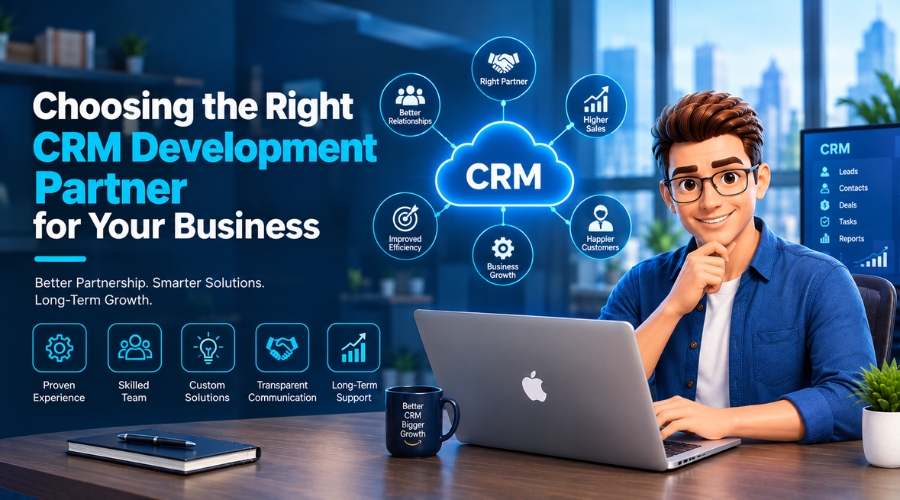
What Factors Should a Business Consider When Choosing a CRM Development Partner?
CRM is an operational tool that sits between your business and customers. A CRM development partner can transform how your business handles customer relationships. Now that CRM is the only...
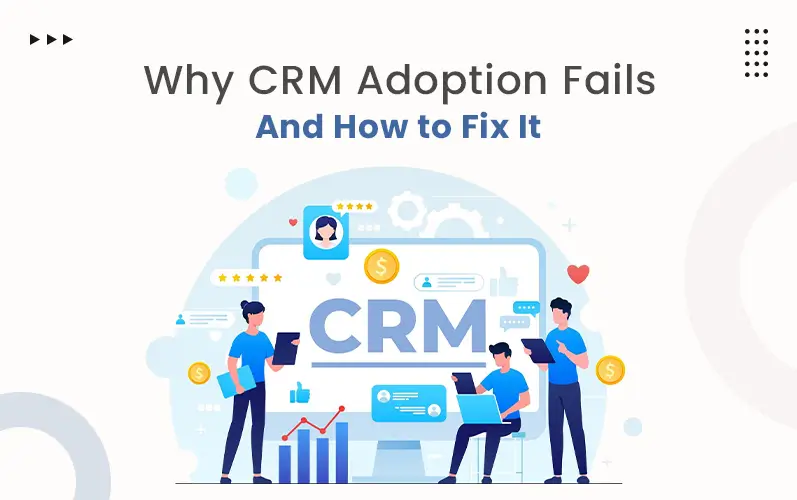
Why CRM Adoption Fails and How to Fix It
Over 90% of businesses in today's world invest in CRM tools. Among them, nearly 70% of CRM projects fail to deliver expected results. Why is such a huge gap? Poor...
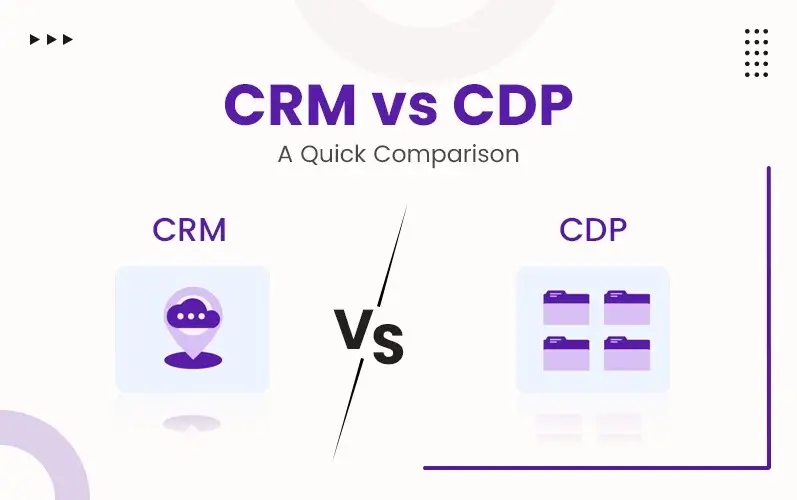
What’s the difference between a CRM and a CDP?
CRM stands for Customer Relationship Management. On the other hand, CDP means Customer Data Platform. People often become perplexed with these two terms. Most of them think that they are...
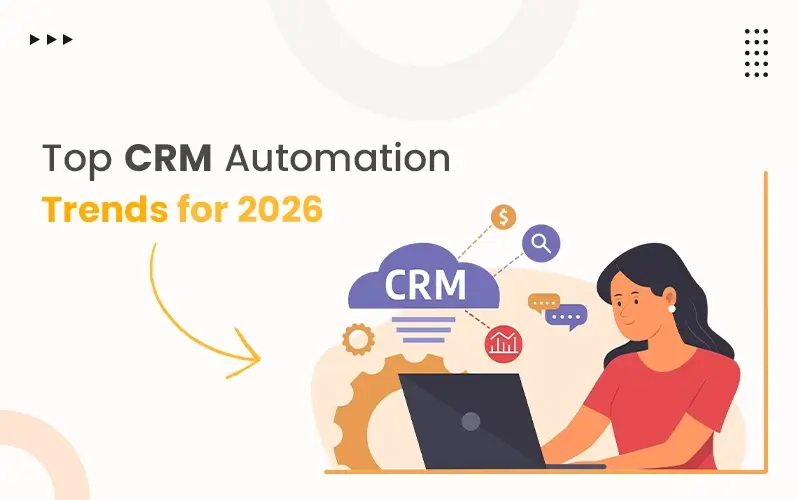
CRM Automation Trends That Will Dominate 2026
As we've stepped into 2026, we have to follow some fresh perspectives for handling customer relationships. That's why CRM automation continues to grow fast. More companies are using smart systems...
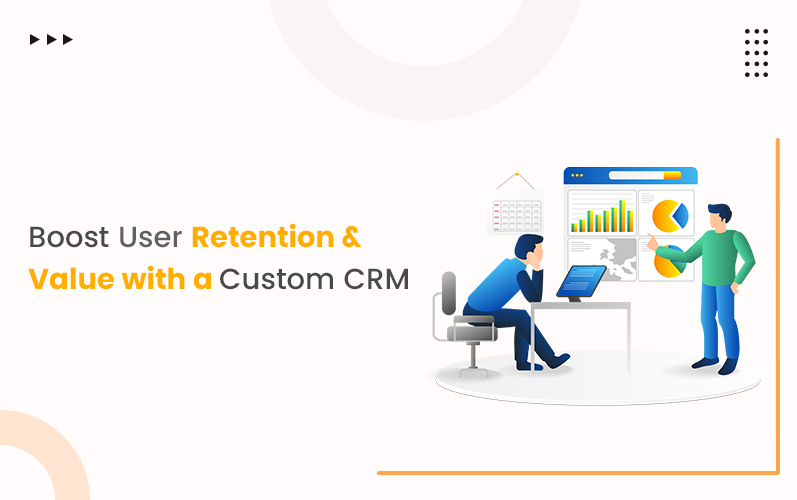
How a Custom CRM Can Boost Customer Retention and Lifetime Value
Research shows that targeted marketing can lift conversions by up to 10%. With data-driven tools, businesses can effectively segment audiences and personalize content based on preferences. Automated messaging helps sustain...
How to Choose the Best Project Management Tool: A Complete Guide
Choosing the best project management software can seem like a daunting task, especially when you’re just starting to understand what project management truly entails. Moreover, it often feels overwhelming and...
How CRM Software Transforms Cleaning Businesses: The Complete Guide to Automation & Revenue Growth
The cleaning industry is rising unexpectedly fast. Customers want fast replies and easy booking. No more mix-ups or waiting around. Sticky notes and spreadsheets worked when you had five clients....
12 Best CRM Plugins for WordPress
Managing customer relationships efficiently in today’s digital world is vital to success. For WordPress users, CRM plugins offer a simple yet powerful way to handle leads, automate workflows, and drive...