


How to Secure Your Ecommerce Website Against Cyber Attacks
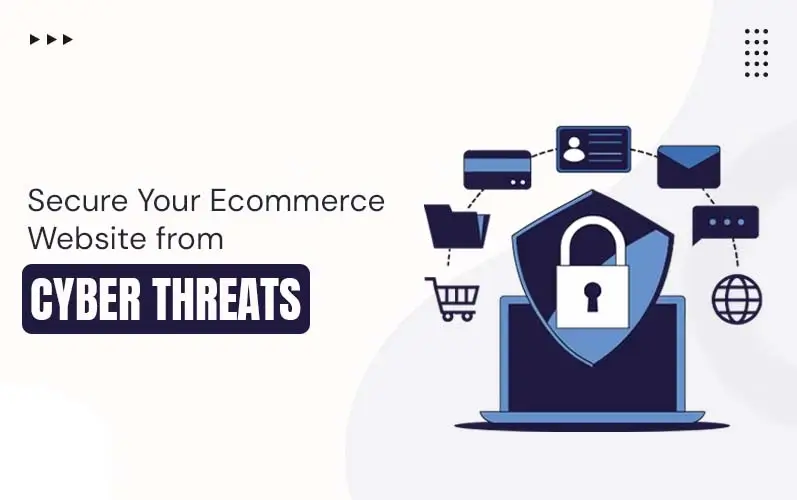
Providing services and selling products through an eCommerce website is really exciting. But with excitement, responsibility comes hand in hand. Threats are constantly evolving in this era. At this moment, safeguarding our business data and customer information is indispensable. Customers have to provide thorough information before purchasing. If your e-commerce website security isn’t so strong, hackers may obtain this data. This may lead to economic loss and identity misuse for clients. About 30% of e-commerce websites face data breaches every year.
This is where cybersecurity comes in. It is a process that protects systems, networks, and data from online attacks. It prevents unauthorized access, data theft, and damage to digital systems.
In this blog, we will discuss some simple yet effective e-commerce security best practices that help your website stay safe from major risks.
Key Takeaways
- Strong eCommerce website security builds customer trust and protects data.
- Always use HTTPS and secure payment gateways for safe transactions.
- Regular updates and monitoring help prevent cyber-attacks early.
- Limit user access and train your team for better protection.
- Use advanced security measures to keep your online store safe.
The Key Practices to Secure Ecommerce Websites
Let’s explore this most effective e-commerce website security checklist to protect your website from ever-changing cyber threats:
HTTPS Implementation:
HTTPS (Hypertext Transfer Protocol Secure) ensures your website’s security by encrypting data between users and servers. It protects sensitive details like passwords and payment information from hackers. This is important for building trust on open-source headless eCommerce platforms. You can enable HTTPS by installing an SSL certificate from a provider. Always redirect HTTP traffic to HTTPs for complete website protection.
Use a Strong Password:
Always create strong and unique passwords for your website accounts. Avoid using common words like “password” or “123456” ever. Use a mix of letters, numbers, and special characters. Change your passwords regularly to reduce hacking chances. Never share your passwords with unknown or unsafe people.
Keep Software Updated:
Software updates provide security patches that are needed to dodge the vulnerabilities. That’s why you should upgrade website software and plugins on time. Hackers can use the security gaps that older versions may contain. Choose a reliable eCommerce website builder that can support you with your regular website updates. Set automatic updates if your platform allows that feature. Check updates regularly to avoid missing important fixes. Updated systems help your website run safely and smoothly.
Secure Payment Gateways:
Secure payment gateways protect customer transactions from fraud and data theft. They encrypt sensitive details like card numbers during online payments. This is important to build trust and ensure safe shopping experiences. You can also opt for a custom eCommerce solution for your business. Custom features improve payment security methods and ensure data protection. Always choose trusted gateways and follow proper payment security standards.
Website Data Backup:
Backups are essential for recovering your site in case of any cyber-attacks. This also helps keep the website data safe and secure. Successful eCommerce websites store data in a secure and separate location. So that they remain secure and can set up your store even after a major issue. You can also schedule automatic backups to save time and effort daily. This step ensures your business continues without major loss.
Monitor Website Activity:
Always track your website activity for unusual behavior. Check login attempts and changes made to your website. Be aware of common eCommerce security issues while monitoring activity. Use tools that alert you about suspicious actions quickly. Early detection helps prevent bigger security problems later. Regular monitoring keeps your website safe and controlled.
WAF Implementation:
WAF stands for Web Application Firewall. This firewall constantly monitors and filters the incoming requests between the web application and the Internet. It safeguards your e-commerce website from several attacks. These include XSS (Cross-Site Scripting) and SQL injections. Choose a renowned WAF service. You can also ask for support from a reputable e-commerce website builder to help you in configuration settings.
Limit Staff Access:
Give access to your e-commerce website to limited staff. Do not allow full control to every team member. Collaborate with a trusted eCommerce website design agency for better access control setup. Assign roles based on work and responsibility clearly. Remove access from users who no longer work with you. This approach can reduce the risk of internal security issues.
Enable Double Authentication:
The double authentication protocol provides an extra layer of security. It has two stages of verification. In the first step, it asks your password. In the next step, it confirms your identity through another method. Common methods include authentication apps, email verification, or SMS codes. You can also find the right eCommerce website development company that can help you with this two-factor authentication setup.
Train Your Team:
Your team plays an important part in managing your website’s security. Educate them with the best cybersecurity practices. Proper training keeps you aware of common threats like phishing and fake emails. Teach safe handling of passwords and sensitive customer information. This strategy helps reduce risks related to internet e-commerce security. Regular training keeps your team alert and your website protected.
Security Practices Overview
| Security Practice | Purpose | Benefit |
|---|---|---|
| HTTPS Implementation | Encrypts data transfer. | Protects user information. |
| Software Updates | Fixes security vulnerabilities. | Prevents hacking risks. |
| Secure Payments | Protects transaction details. | Builds customer trust. |
| User Access Control | Limits system permissions. | Reduces internal threats. |
| Activity Monitoring | Tracks suspicious behavior. | Prevents major security issues. |
| Team Training | Improves security awareness. | Minimizes human errors. |
Final Note!
Website security is an important factor for every online business today. An e-commerce website security checklist can protect your store from serious cyber threats. Always stay alert and update your security methods. A secure website builds trust and improves customer experience. Start protecting your eCommerce website today.
We are The Tech Clouds (TTC), a renowned e-commerce website design agency focused on growth. Our team provides custom eCommerce development services tailored to your business needs. We create secure, scalable, and high-performing online stores. Our team ensures smooth performance and strong website protection.
Get in touch with us today and take your online store to the next level!

Frequently Asked Questions
What are the best ways to secure an online store?
You can secure your store by using HTTPS, strong passwords, and regular updates. Following some effective eCommerce security best practices keep your website safe.
How can The Tech Clouds (TTC) help improve online store security?
The Tech Clouds (TTC) is a trusted e-commerce website builder. We offer secure and scalable development solutions and reliable support services. Our team ensures better performance and strong protection.
What is the role of secure payment gateways in e-commerce?
Secure payment gateways protect customer transaction data from theft. They ensure safe payments and improve user confidence in your website.
Why should I choose The Tech Clouds (TTC) for e-commerce development?
The Tech Clouds (TTC) provides expert solutions tailored to your business needs. We are a reputed e-commerce website design agency, providing better security and long-term growth.
Recent Posts







Related Blogs

Ecommerce SEO Strategies to Rank Higher in 2026
You are running your online store, but whenever customers search for something, it doesn’t show up. As a result, you’re losing sales and failing to generate revenue. How can you...

Ultimate Guide to E-commerce Development in 2027
Online shopping is growing faster than ever. People buy everything while staying in the comfort of their home. Some deliveries take a few days, whereas others take a few seconds....
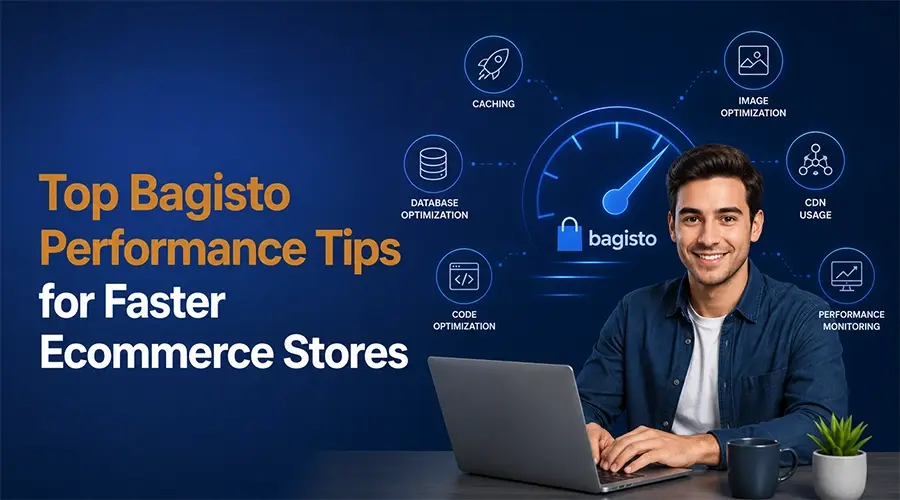
Top Bagisto Performance Tips for Faster Ecommerce Stores
After working on 3+ prestigious Bagisto projects, we can say that Bagisto gives a competitive edge to brands. It comes with thousands of built-in performance features. With some simple optimization...

How to Hire AWS Developers from India for Flexible Global Projects
More businesses are moving to cloud every year, and AWS is leading that shift. AWS now powers over 90% of Fortune 100 companies. 64% of all cloud users globally rely...

Complete Ecommerce Replatforming Checklist: Steps for a Successful Migration
Switching completely from one store to another is a big decision. A well-planned eCommerce replatforming process is essential to boost performance, speed, and sales. This method future-proofs your business and...

What is Ecommerce Replatforming: A Detailed Guide
The e-commerce landscape is evolving at an unmatched speed to meet customer expectations. Global eCommerce sales are projected to exceed $8 trillion by 2027. This is why shifts drive brands...

Which E-commerce Platform Boosts SEO the Most?
SEO is the driving engine of an online store. Studies show that over 68% of online experiences start with a search engine. This means your platform must support strong SEO...
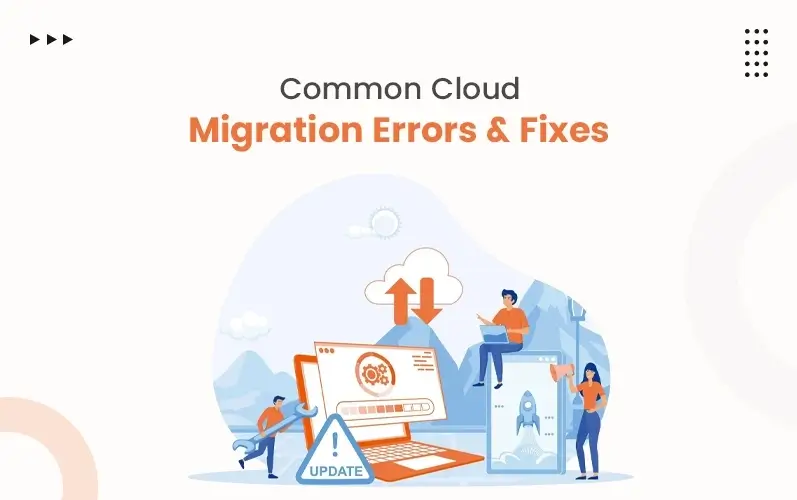
Common Cloud Migration Mistakes and How to Avoid Them
Businesses need fast, efficient, and secure systems in today's time. However, 70% face delays, cost overruns, or performance issues, even when cloud migration is done by experts. This is because...